

You finally receive your Amazon order after waiting for days. But when you open the package, it’s the wrong item. It’s frustrating, confusing, and sometimes even funny. You ordered a phone case, but got a toothbrush instead.
So, what can you do when Amazon sent the wrong item? Don’t panic Amazon has clear policies to fix such issues quickly.
This guide will show you exactly what to do step-by-step. You’ll also learn how refunds, replacements, and returns work for wrong items.
Why Amazon Sends the Wrong Item
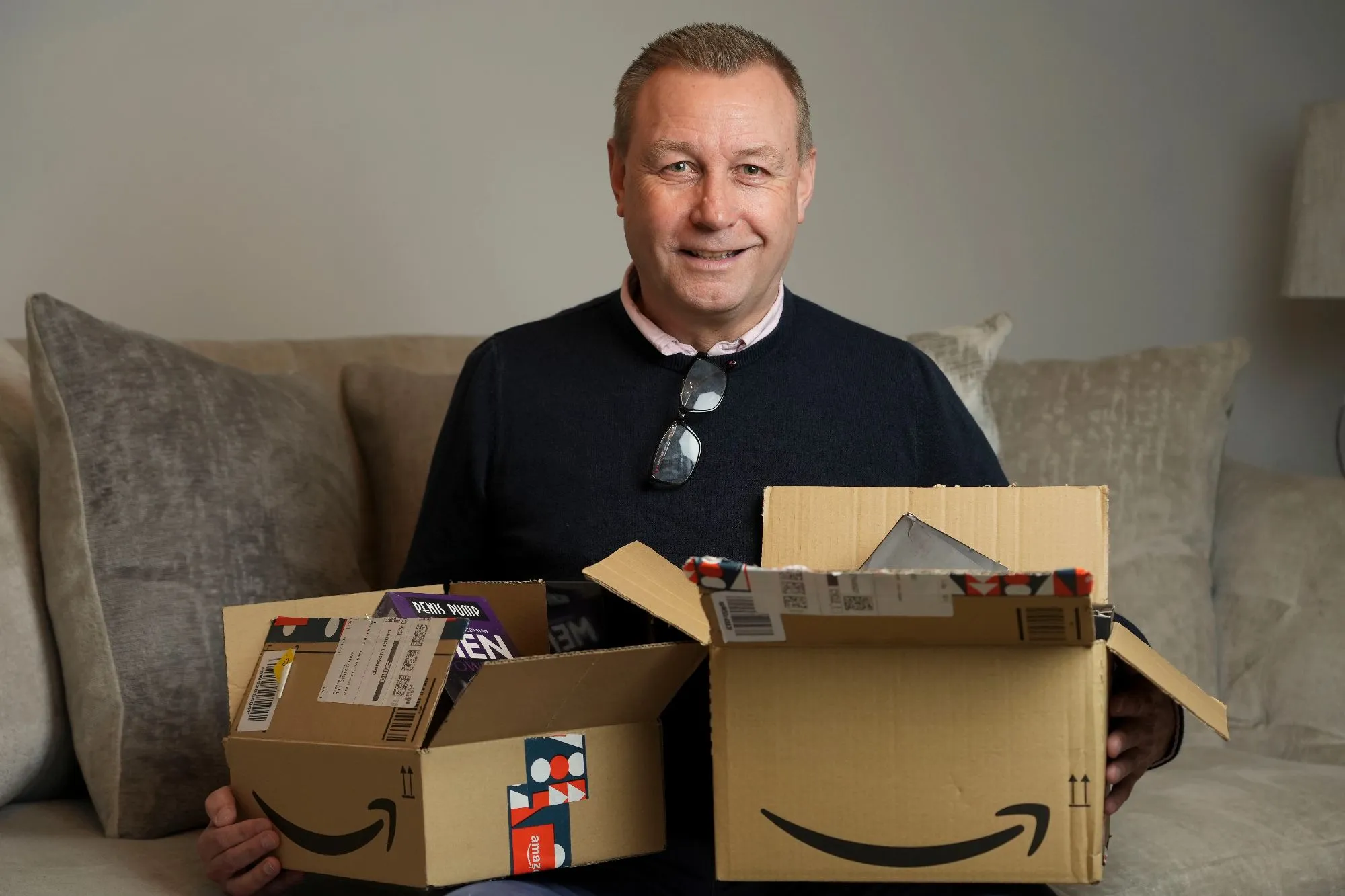
Even though Amazon handles millions of orders daily, mistakes can happen.
Let’s look at the most common reasons why you might get the wrong product.
1. Warehouse or Fulfillment Errors
Most orders are processed in massive warehouses.
With millions of items stored, a scanning or labeling error can mix products.
If two items look similar, a staff member or robot may pick the wrong one.
2. Third-Party Seller Mistakes
Not every product is shipped directly by Amazon.
Many are handled by independent sellers who manage their own stock.
Sometimes, sellers mislabel items or send the wrong variation.
3. System or Barcode Glitches
Amazon’s inventory system is usually accurate.
However, a barcode mismatch or scanning glitch can still send the wrong order.
4. Repackaged or Returned Items
Some items returned by other customers are resold.
If they’re not inspected properly, a wrong product may end up in your box.
5. Stock Substitutions
In rare cases, a seller may send a similar item when yours goes out of stock.
This might seem helpful, but it’s still an error on their part.
What to Do If Amazon Sent Wrong Item
If Amazon sent the wrong item, the process to fix it is easy.
Here’s exactly what to do, step by step.
Step 1: Verify the Mistake
Before contacting Amazon, double-check your order.
Go to “Your Orders” in your Amazon account.
Compare the product name, color, and size with what you received.
Make sure it’s truly the wrong item — sometimes packaging looks different but the product is right.
Step 2: Report the Issue to Amazon
If the product is wrong, report it immediately.
You can contact Amazon Customer Service through:
- The Help section on the website or app
- The Chat option for instant support
- Or by phone through the Contact Us page
Be clear about the problem.
Say, “Amazon sent the wrong item.”
Attach a photo of the product and your order invoice for faster help.
Step 3: Choose Refund or Replacement
Amazon gives you two simple options:
- Replacement – They resend the correct product.
- Refund – You get your money back.
If you need the item quickly, choose a refund and reorder the correct one manually.
Amazon processes refunds fast when they confirm the mistake.

Step 4: Return the Wrong Item (If Required)
In many cases, Amazon doesn’t ask you to return the wrong product.
This is called a returnless refund.
But sometimes, especially for expensive items, they’ll ask for a return.
You’ll get a prepaid return label via email.
Print it, pack the item carefully, and drop it off at the nearest Amazon Return Center or UPS location.
Always include the return slip inside the package.
Step 5: Track Your Refund or Replacement
You can check the progress in Your Orders anytime.
Refunds usually arrive within 3–5 business days, depending on your payment method.
Payment MethodRefund TimeCredit/Debit Card3–5 business daysAmazon Gift Card2–3 hoursBank Account3–7 business days
What to Do If Amazon Sent the Wrong Item (Quick Summary)
If Amazon sent the wrong item:
- Log in to your account.
- Go to Your Orders.
- Click Return or Replace Items.
- Choose Wrong Item Sent as the reason.
- Request a refund or replacement.
That’s it Amazon handles the rest for you.
Can You Keep the Wrong Item Amazon Sent?
Sometimes, yes.
Amazon may tell you to keep the wrong item instead of returning it.
This usually happens when:
- The product is low in value.
- Return shipping costs are higher than the item’s price.
- The seller authorizes a returnless refund.
If that happens, it’s yours to keep free of charge.
But don’t assume you can always keep it.
Wait for Amazon’s confirmation before using or keeping it.
How to Return Wrong Item Sent from Amazon
If Amazon asks you to return the wrong product, here’s how to do it properly.
- Go to Your Orders.
- Find the product that was sent incorrectly.
- Click Return or Replace Items.
- Select Wrong Item Sent as your return reason.
- Choose your preferred return method — drop-off or pickup.
- Print the return label and pack the item securely.
- Drop it off at the return point.
Once Amazon receives it, your refund will be processed automatically.
What If Amazon Sent Me the Wrong Item?
If Amazon sent you the wrong item, act quickly.
Delaying a return might affect your refund eligibility.
Amazon usually allows returns within 30 days of delivery.
The faster you report the mistake, the sooner you’ll get your refund or replacement.
Keep all packaging until Amazon confirms what to do with the wrong product.
What If I Sent Wrong Item Back to Amazon?
Mistakenly returned the wrong product? It happens.
If you sent the wrong item back, contact Amazon immediately.
Here’s what to do:
- Go to Your Orders.
- Click Contact Customer Service.
- Explain that you returned the wrong item by mistake.
Amazon will check your return tracking.
If the item hasn’t been processed yet, they might recover it.
If it’s already processed, they’ll ask for proof, such as photos or tracking receipts.
Always keep return proof and tracking numbers to avoid confusion.
Amazon’s A-to-Z Guarantee for Wrong Items
If the wrong product came from a third-party seller, Amazon’s A-to-Z Guarantee protects you.
You can file a claim when:
- The seller doesn’t respond within 48 hours.
- The seller refuses a refund or replacement.
- The replacement doesn’t arrive.
To file a claim:
- Go to Your Orders.
- Select the problem order.
- Click File/View Claim.
Amazon reviews the claim and issues a refund if valid.
This policy ensures your money is always protected.
Tips to Avoid Receiving Wrong Items from Amazon
You can’t stop every mistake, but you can lower the risk.
1. Buy from Trusted Sellers
Check the seller’s name before purchasing.
Always prefer items marked “Fulfilled by Amazon (FBA).”
2. Read Product Descriptions Carefully
Some sellers post unclear titles or wrong specifications.
Always verify color, size, and model before checkout.
3. Check Reviews and Ratings
Customer reviews often reveal seller reliability.
Avoid sellers with complaints about wrong or damaged products.
4. Keep an Eye on Tracking Updates
Sometimes, tracking information can indicate a mix-up.
If the product weight or location seems off, contact support early.
5. Avoid Multiple Similar Orders
If you order several similar items, confusion may occur during packaging.
Double-check your order cart before confirming.
Common Mistakes to Avoid When Amazon Sends Wrong Item
- Don’t use the wrong product before contacting Amazon.
- Don’t throw away packaging until the issue is resolved.
- Don’t ignore customer service emails or instructions.
- Don’t wait more than 30 days to report a wrong item.
FAQs About Amazon Sent Wrong Item
Go to Your Orders, select the product, and choose Return or Replace Items.
Pick Wrong Item Sent as your reason and request a refund or replacement.
Contact Amazon Customer Service immediately.
Explain the issue, share photos if possible, and follow their return or refund process.
- Log in to your Amazon account.
- Go to Your Orders.
- Select Return or Replace Items.
- Pick Wrong Item Sent as your reason.
- Print the prepaid label and drop off the package.
Report it as soon as possible.
You can request a replacement or full refund.
Keep the wrong product until Amazon confirms what to do with it.
Contact Amazon Customer Support immediately.
Provide your order details and tracking proof.
They’ll help trace and resolve the issue quickly.
Yes.
Amazon refunds or replaces the item once they confirm the mistake.
Refunds usually appear within 3–5 business days.
Amazon covers all return shipping costs for wrong or defective items.
You never pay anything extra.
Sometimes, yes.
If Amazon says it’s a returnless refund, you can keep it.
Always wait for confirmation before using it.
Contact the seller first through Your Orders.
If they don’t respond, file a claim under Amazon’s A-to-Z Guarantee.
Amazon will refund you directly.
You have 30 days from delivery to report and return a wrong item.
Some products may have extended return windows.
Final Thoughts
Getting the wrong item from Amazon is annoying, but it’s not the end of the world.
Amazon’s system is designed to protect buyers completely.
Whether you want a refund or a replacement, the process is simple and quick.
Always act fast, keep your order details handy, and follow Amazon’s return policy carefully.
Next time, you’ll know exactly what to do if Amazon sent the wrong item and how to fix it in minutes.
Mistakes happen, but with the right steps, your shopping experience stays stress-free.